Generate an image from a text description
A generator that hands you a finished file has done half the job. You almost never want the first result.
Here the generated image arrives on the same infinite canvas as everything else, as an ordinary image. Erase part of it. Replace a region. Merge it with a photo you uploaded and repair the seam. None of that requires an export, a re-upload, or a second tool.
The common workflow is the one that needs all of it at once: generate a background, cut your own subject out of their photo, put the two together.
How it works
- 1Open the add-image control in the toolbar and choose Generate.
- 2Describe the image you want.
- 3The result is placed onto the canvas as a normal image.
- 4Edit it like any other image, or combine it with photos of your own.
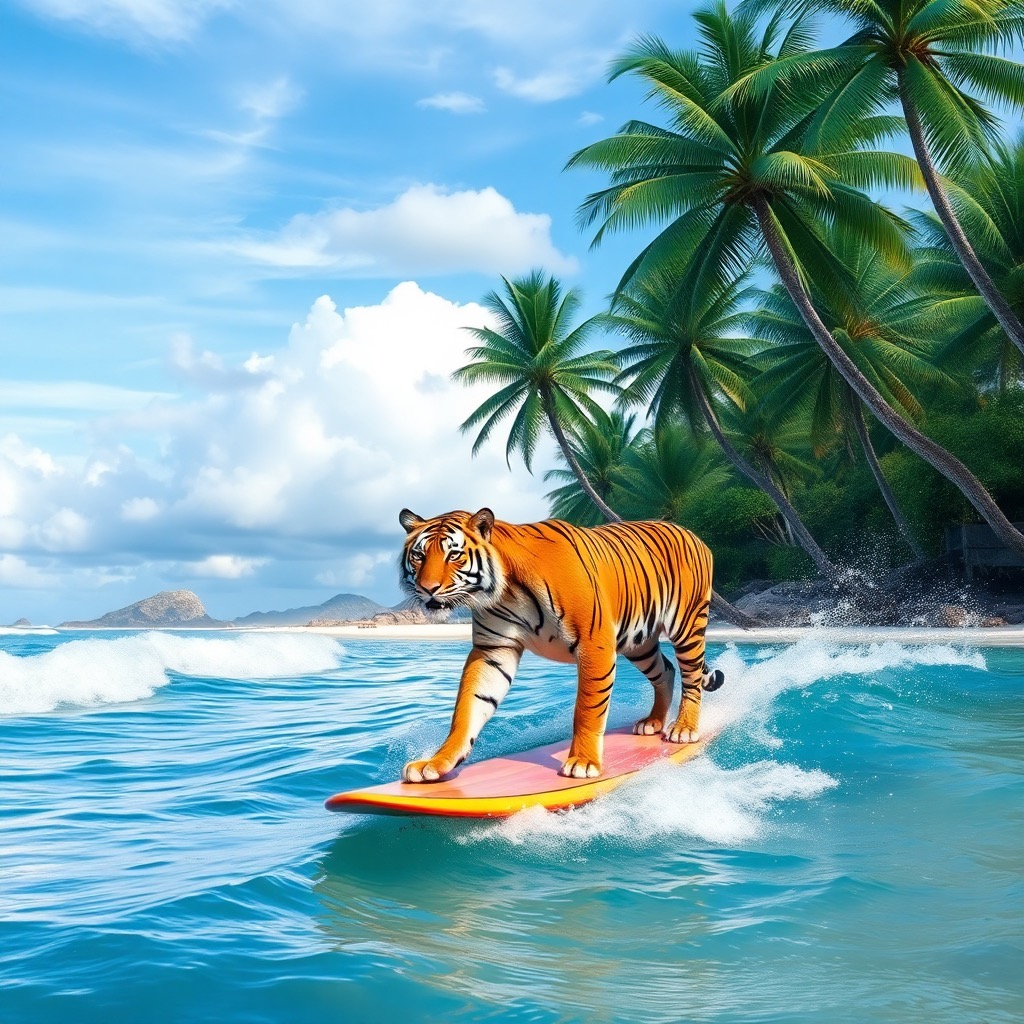
Example prompt: “photo of a beach landscape with palm trees and a tiger riding the waves on a surfboard”
What people use it for
- Backgrounds to composite a cut-out subject into
- Placeholder and concept imagery
- An object to drop into an existing photo
- Exploring a visual idea before committing to a real shoot
- Illustrations for slides, posts and thumbnails
Where it struggles
- Text inside generated images comes out garbled. Signs, labels and lettering are not worth prompting for. Add real text afterwards.
- Hands, small background faces and repeated fine structure are where these models fall apart, and looking at those first will tell you quickly whether a result is usable.
- Naming the subject, the setting and the style works better than stacking adjectives. Long prompts tend to average out rather than compound.
Common questions
- Can I edit an image after generating it?
- Yes, and that is the reason it lands on the canvas rather than in a download. A generated image behaves exactly like an uploaded one, so removal, replace and repair all work on it straight away.
- Can I combine a generated image with my own photo?
- Yes. Both live on the same canvas. Generate a background, remove the background from your own photo, merge the two, then repair the seam.
- Why does text inside my generated image look wrong?
- Legible text is a general weakness of image generation models. If your image needs real words, add them afterwards rather than prompting for them.