Replace part of a photo by describing it
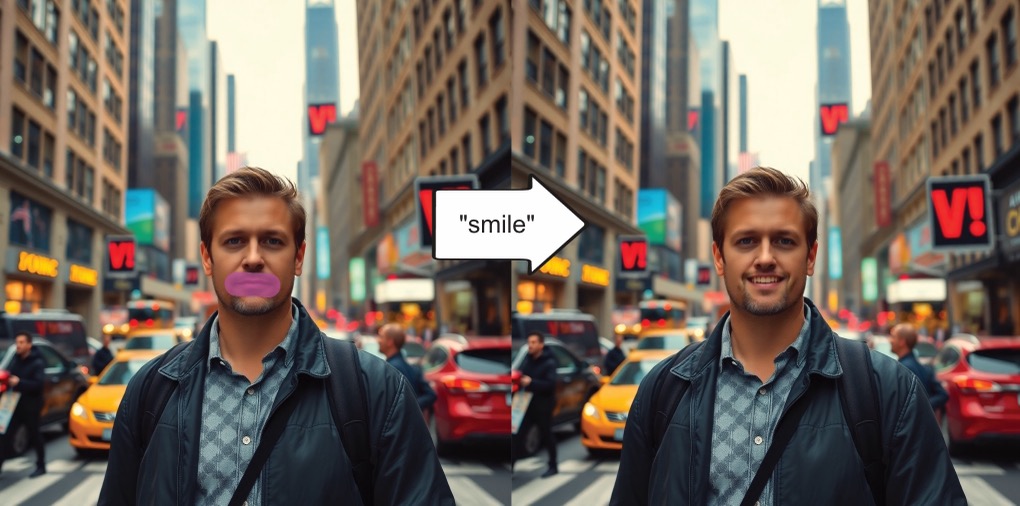
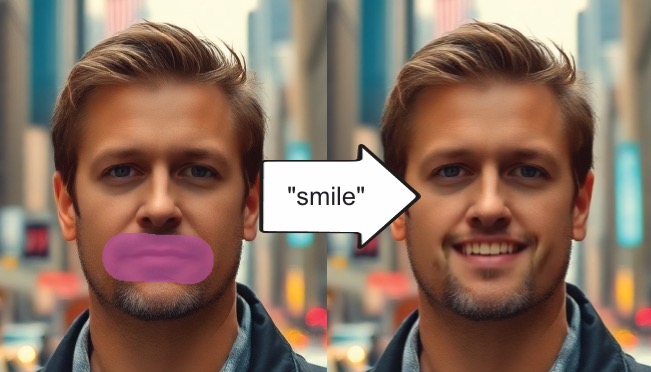
Replace is object removal with a different filler. Removal patches the marked region with background. Replace patches it with whatever you describe.
Mark the grey sky, type "dramatic sky at sunset", and the sky changes. Nothing outside your selection is touched, which is why the light and perspective of the original photo survive the edit.
That constraint is the feature. A whole-image regeneration gives you a different photo. This gives you your photo with one thing changed.
How it works
- 1Add the photo to the canvas and select it.
- 2Choose the replace tool from the image toolbar.
- 3Mark the region you want changed.
- 4Describe what belongs there, in plain language.
- 5Only the marked region is regenerated. Everything else stays as it was.
What people use it for
- Swapping a flat grey sky for a dramatic one
- Changing the colour or style of clothing in a portrait
- Trying alternative props in a product shot
- Altering signage inside a scene
- Filling an empty area with something that belongs in it
Where it struggles
- Short prompts beat long ones. "Red leather armchair" works. A sentence describing the room, the mood and the time of day gives the model more to contradict.
- The replacement has to match the light and perspective it lands in. A region photographed at a steep angle or lit from an odd direction is where the seam shows.
- Do not prompt for readable text. Lettering inside generated regions comes out garbled, and that is a limit of image models in general rather than anything specific here.
Common questions
- How is replace different from remove?
- Remove fills the marked region with surrounding background so the object vanishes. Replace fills the same kind of region with content you describe.
- Does the whole image get regenerated?
- No. Only the region you marked. Everything outside your selection is left untouched.
- What kind of prompt works best?
- Short and concrete. Name the object and a property or two, like its colour or material, instead of describing the scene around it.
- Can I adjust the result afterwards?
- Yes. Mark the region again and re-run it with a different prompt, or step back through the undo history.